Identify the locked artwork
Record the exact business name, approved logo and colors. The supplier’s product guide recommends original vector artwork when available. Ask the designer to flag any part that needs adjustment for the model.
Planning guide
Make one approved master artwork file and a separate list of details that can vary by location. Send the supplier a named version for each site and keep the approved proof with the matching order.
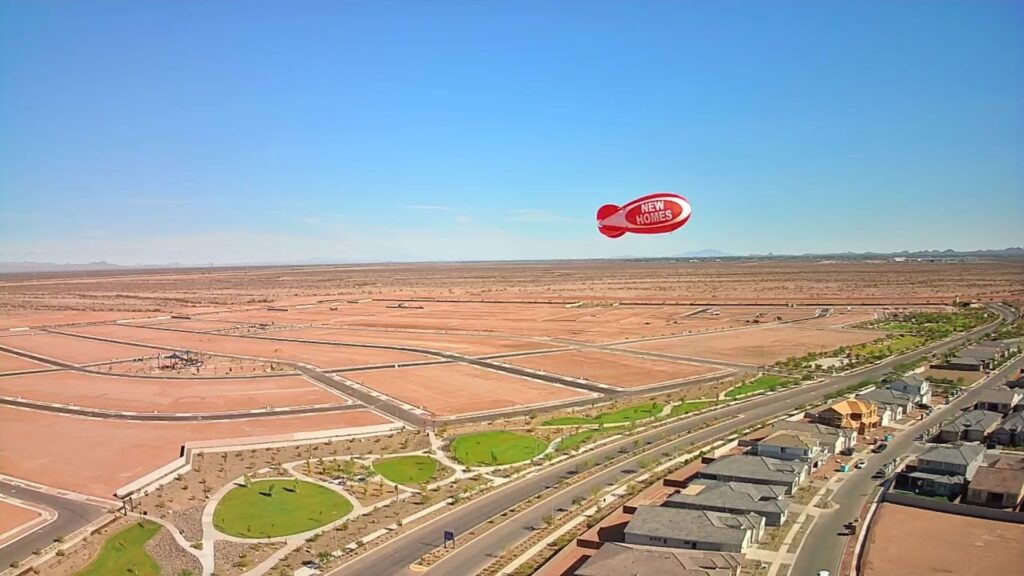
Record the exact business name, approved logo and colors. The supplier’s product guide recommends original vector artwork when available. Ask the designer to flag any part that needs adjustment for the model.
Use a site code, display dates and the exact optional local line. State who approves local wording and what should remain consistent across sites.
Ask for the proof to name the model and site code. Keep it with the order and pass both to the person receiving the display so the correct version reaches the correct location.
Product reference checked November 5, 2026. Arizona Balloon Company’s giant balloon guide. For site information, see our pricing page.
Interactive inquiry planner
Add the information you know. Review your note before copying it or opening an email draft.
This tool prepares text in your browser. It does not send a request, store your answers, calculate a price or reserve a display.
You can use this checklist without the planner and send an inquiry through our contact page.
Review these details before sharing them. Nothing has been sent.
If an email draft does not open in your mail app, copy the inquiry into an email or our contact form.
The planner needs JavaScript to prepare text. Use the checklist above and contact us.
Use the same approved proof where the content and model match.
Check the brand rules and keep local details separate from the main mark.
Ask which temporary wording options the supplier supports.
Name the person responsible for the master and the person who can confirm local details.
Ask for it so receiving can match the proof to the order.
Keep the original file, approved proof, version name and site record.
Send the location, dates and details you want the supplier to confirm.